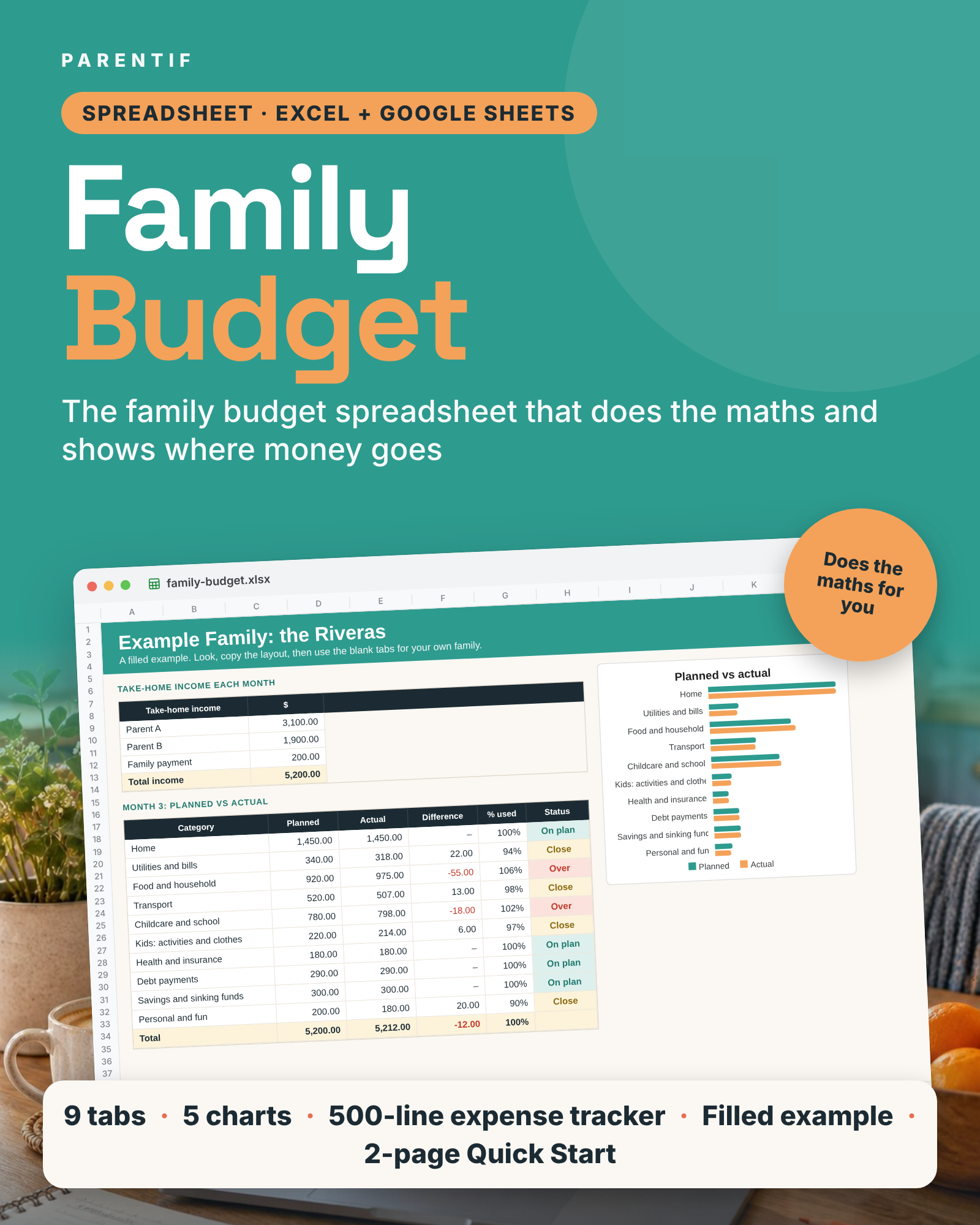
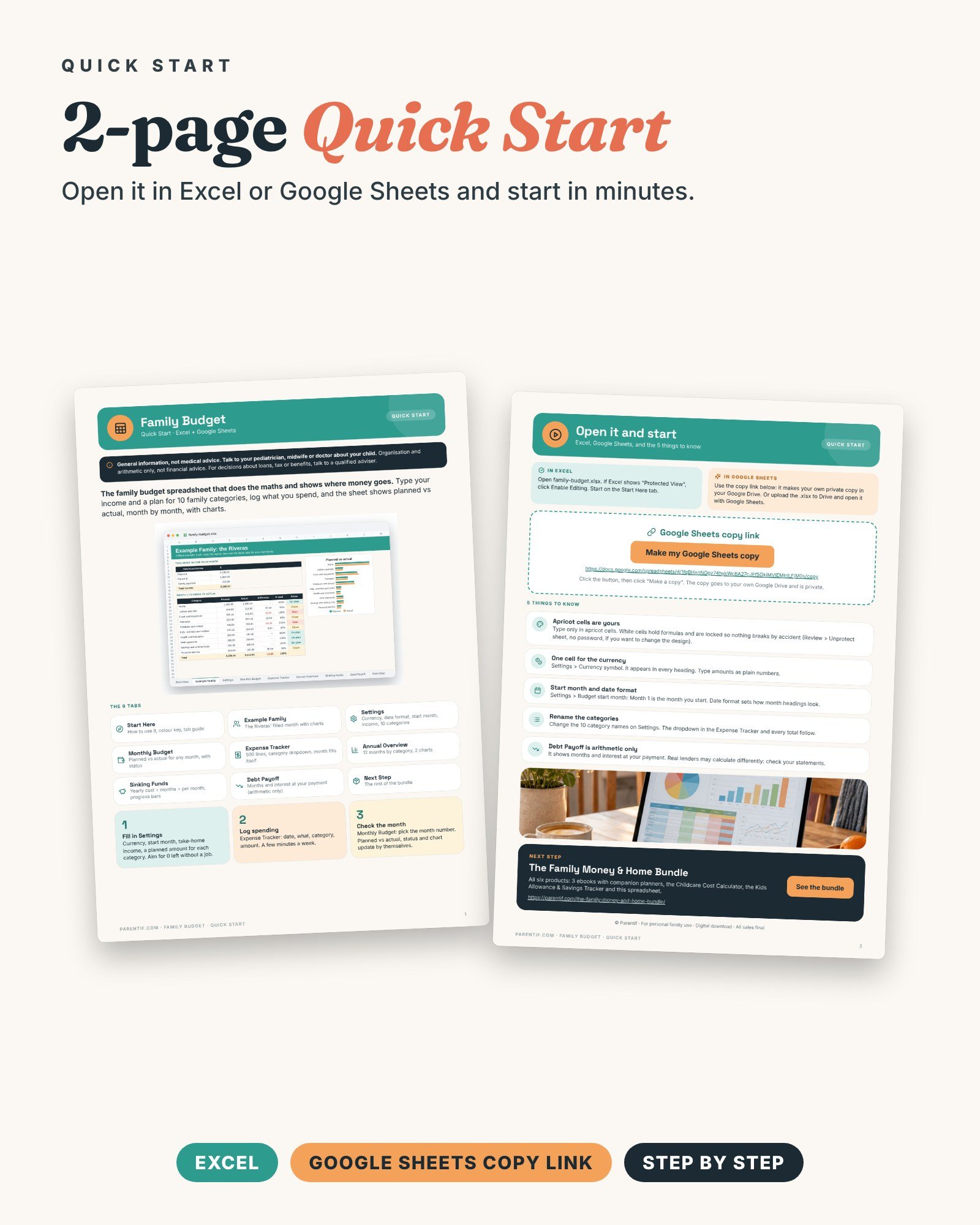

The family budget spreadsheet that does the maths and shows where money goes.
Who it's for
- Parents who want a budget that adds itself up
- Families who want to see planned vs actual, month by month
- Anyone who uses Excel or Google Sheets and wants it set up for a family
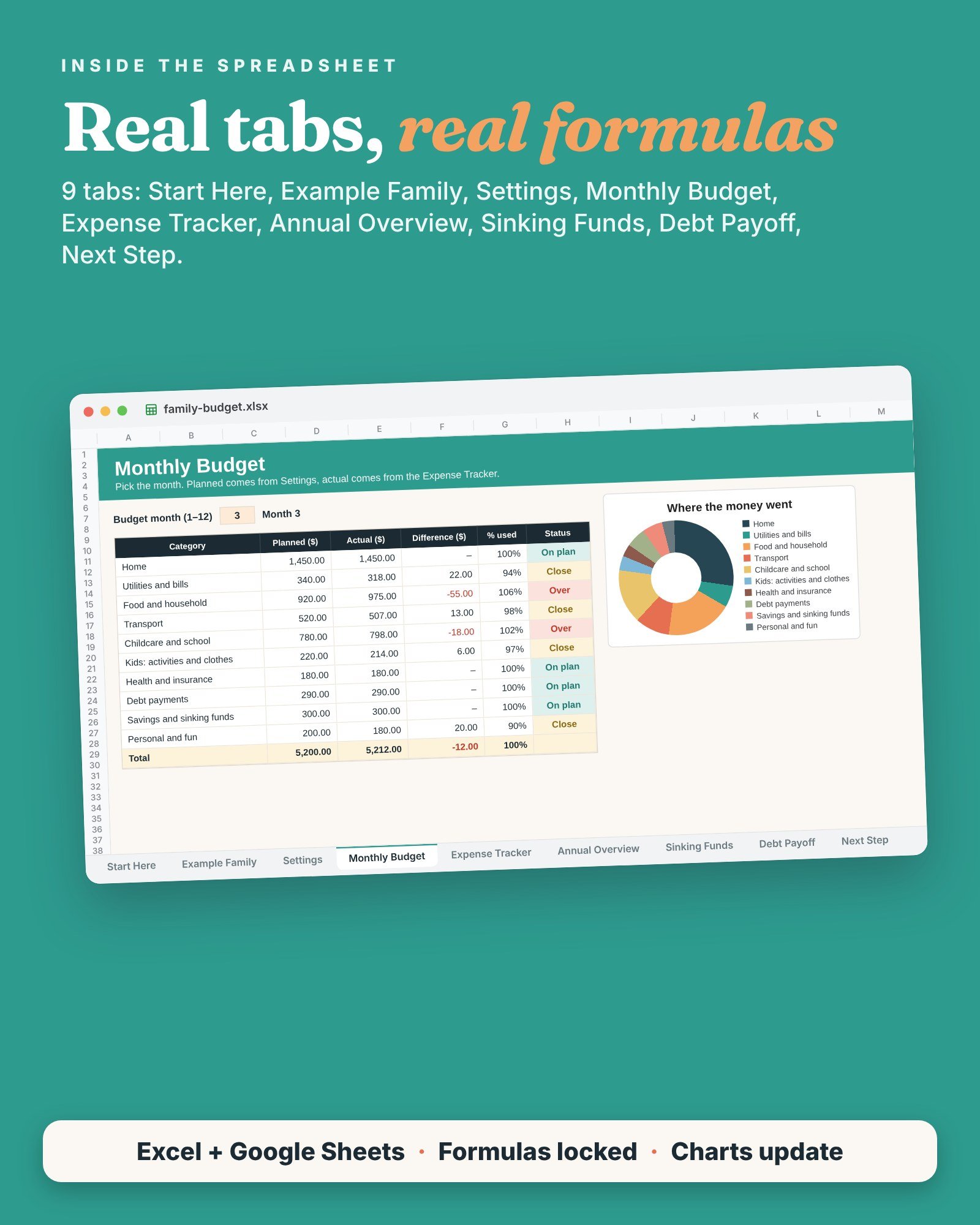
What's inside (9 tabs)
- Start Here: 3 steps, what to do first, colour key, tab guide
- Example Family: a filled month with charts and sinking funds
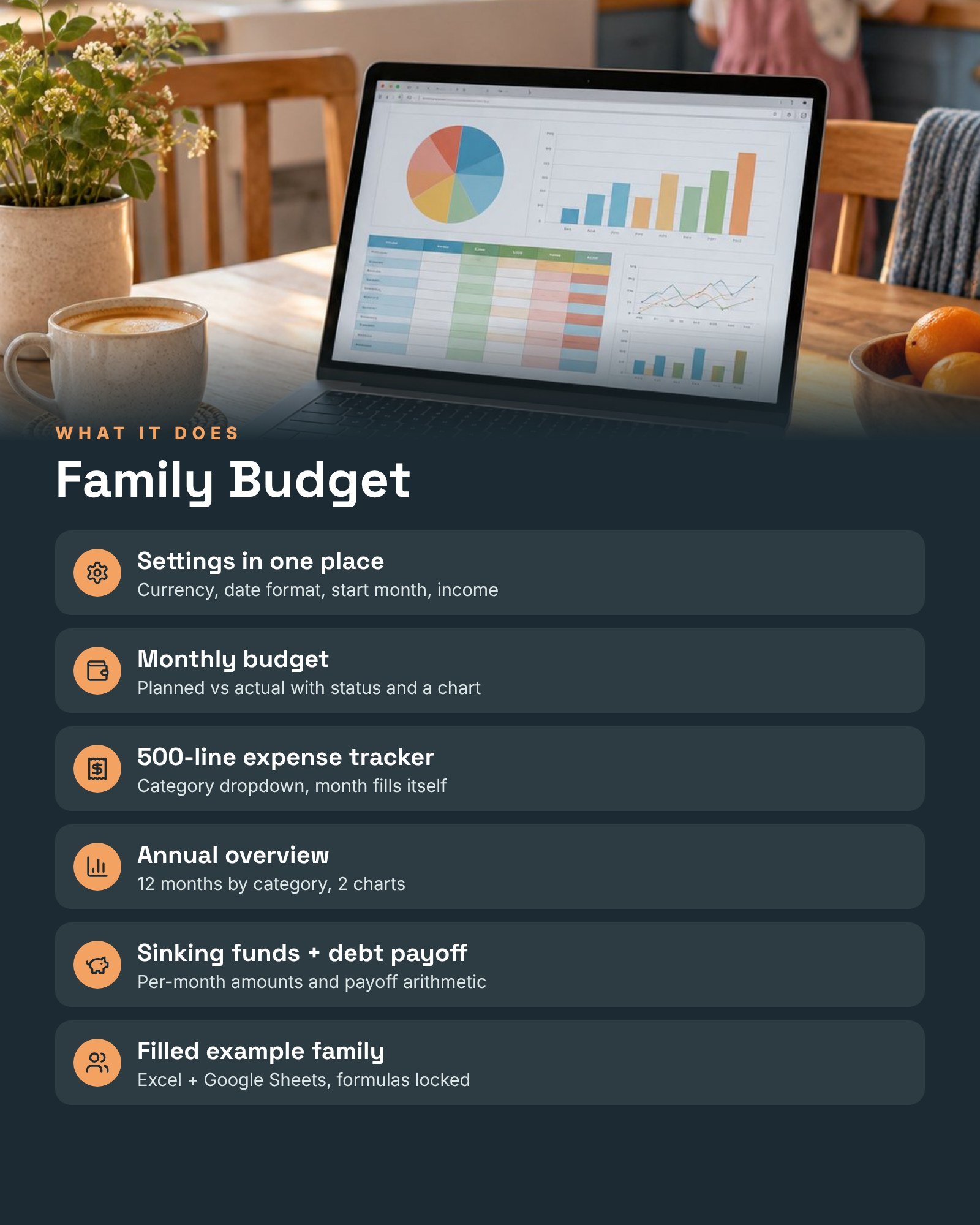
- Settings: currency, date format, start month, take-home income and your 10 family categories with their monthly plan
- Monthly Budget: planned vs actual for any month, with status, totals and a chart
- Expense Tracker: 500 lines with a category dropdown; the budget month fills itself
- Annual Overview: 12 months side by side by category, with 2 charts
- Sinking Funds: yearly cost ÷ months = per month, with progress bars
- Debt Payoff: months and interest at your payment, and what an extra payment changes (arithmetic only)
- Next Step: the rest of the bundle
Plus a 2-page Quick Start PDF with the Google Sheets copy link.
How to use it
- Fill in Settings: currency, income and a planned amount for each category.
- Log spending in the Expense Tracker, a few minutes a week.
- Check Monthly Budget and Annual Overview. The totals and charts update by themselves.
Formats and devices
- .xlsx for Microsoft Excel (desktop, web and mobile)
- Google Sheets: make your own copy with one click from the Quick Start
- Formulas are locked so nothing breaks; only the apricot cells are for typing
- Quick Start: PDF, A4
Organisation and arithmetic only, not financial advice.
General information, not medical advice. Talk to your pediatrician, midwife or doctor about your child.
Digital download · All sales final